


Description
Steps to Create a Google Drive Link:
1) Go to Google Drive: https://drive.google.com
Click “+ New” → “Folder”
2) Name it (e.g., “18 Images Upload”)
3) Open the Folder you just created, Add 18 images for your Personalised Magazine
4) Right-click the folder → “Share”
In the pop-up:
Click “General access” → change “Restricted” to “Anyone with the link”
5) Set access level to “Editor” (so our editors can access the photos)
Click “Copy link” → then paste above.
💖
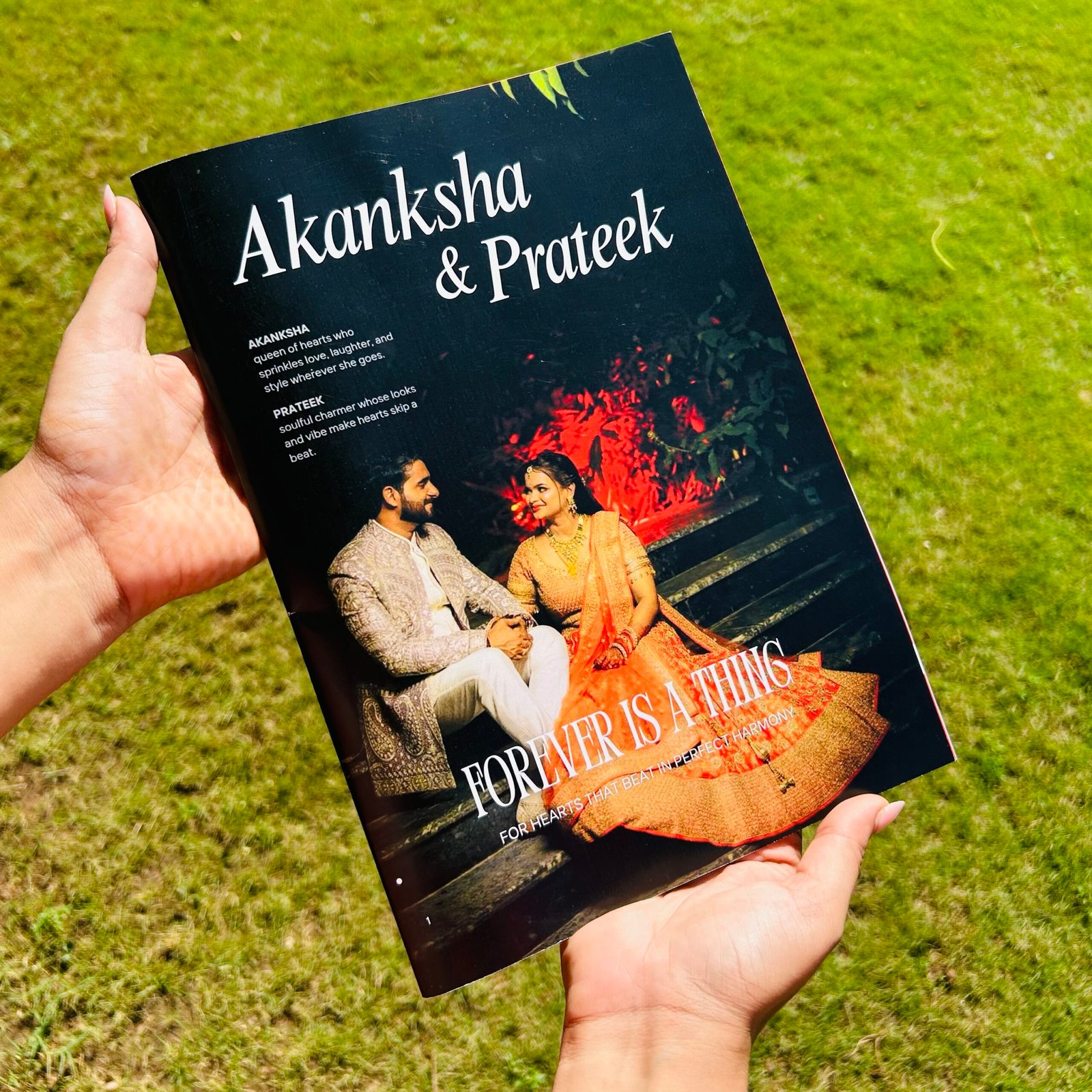
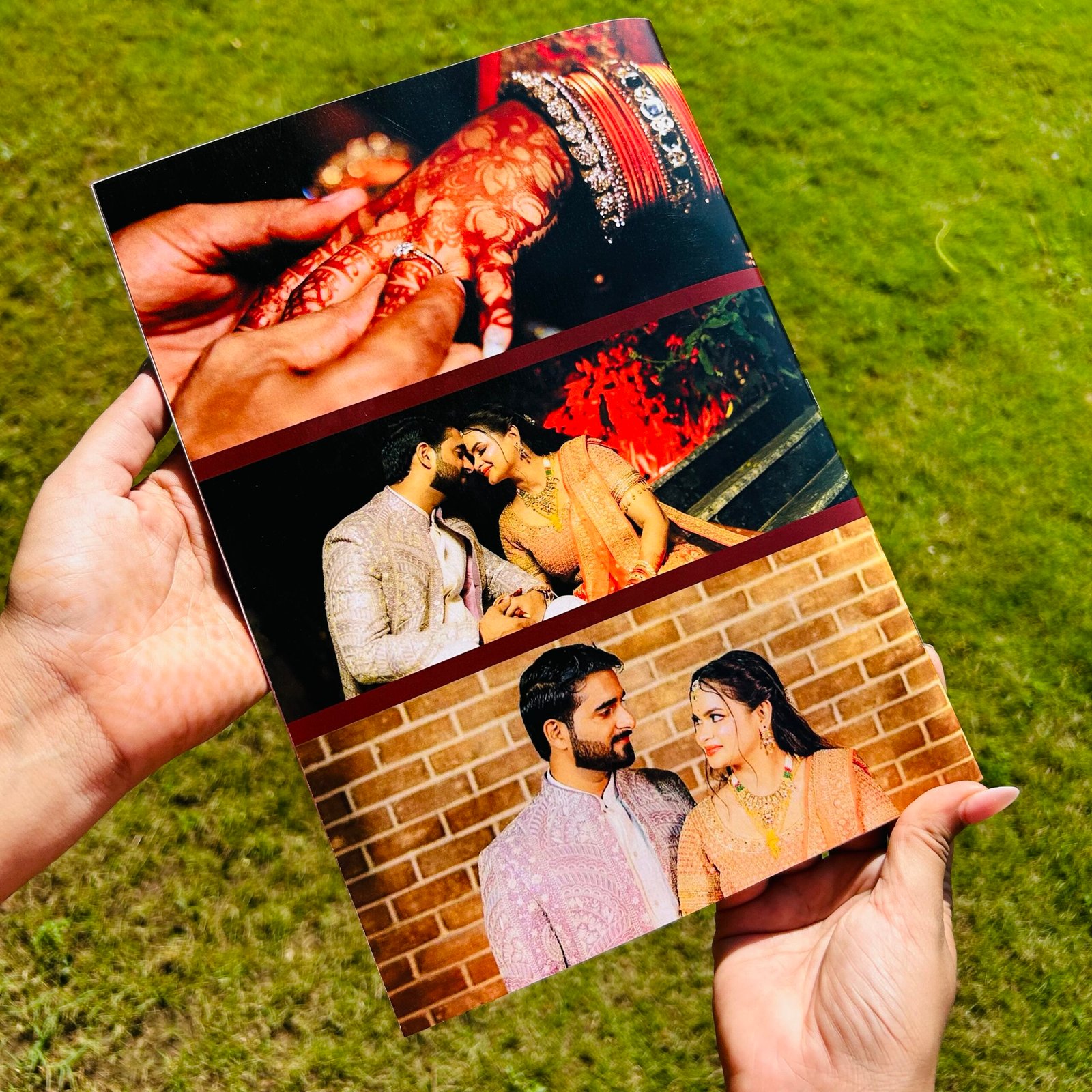
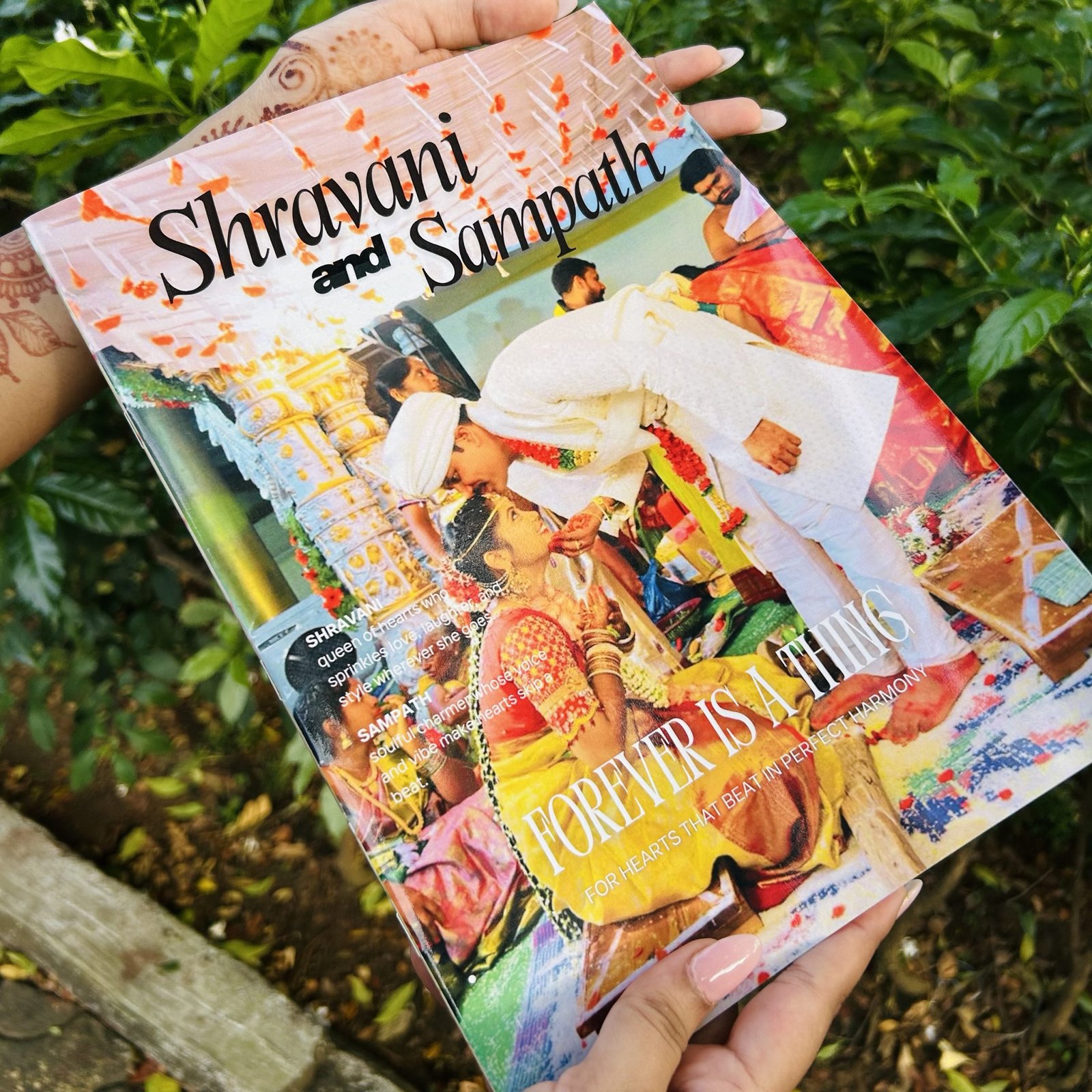
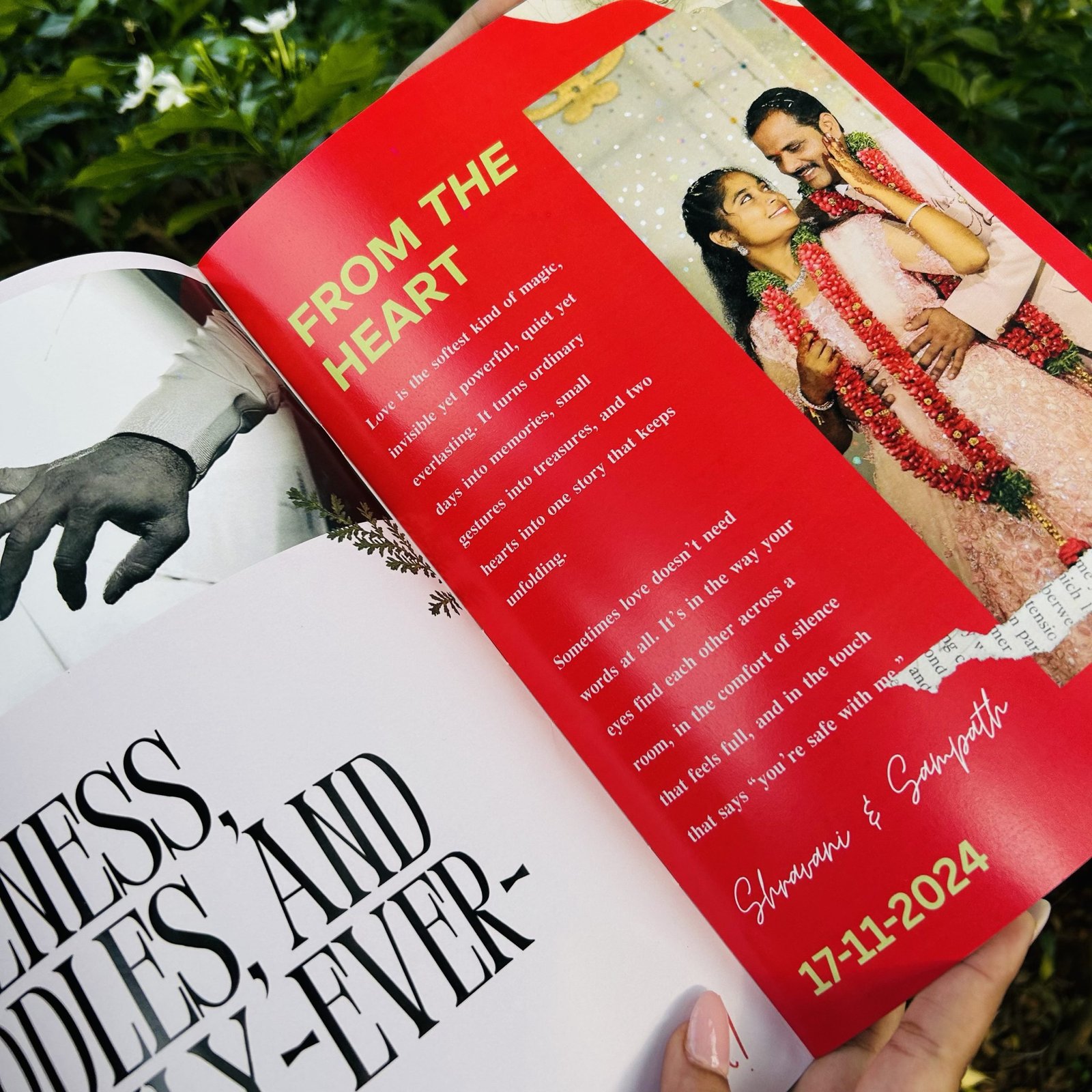
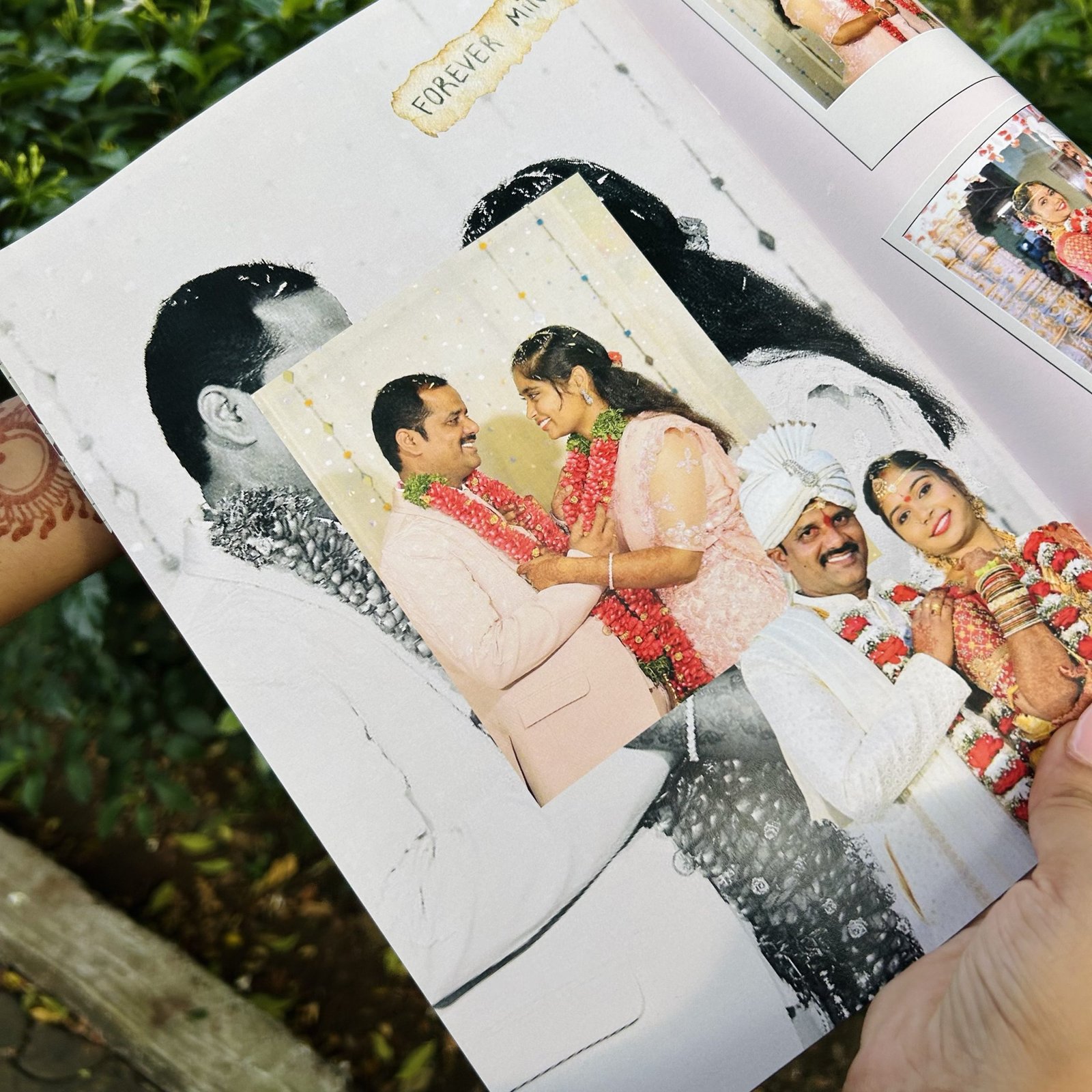
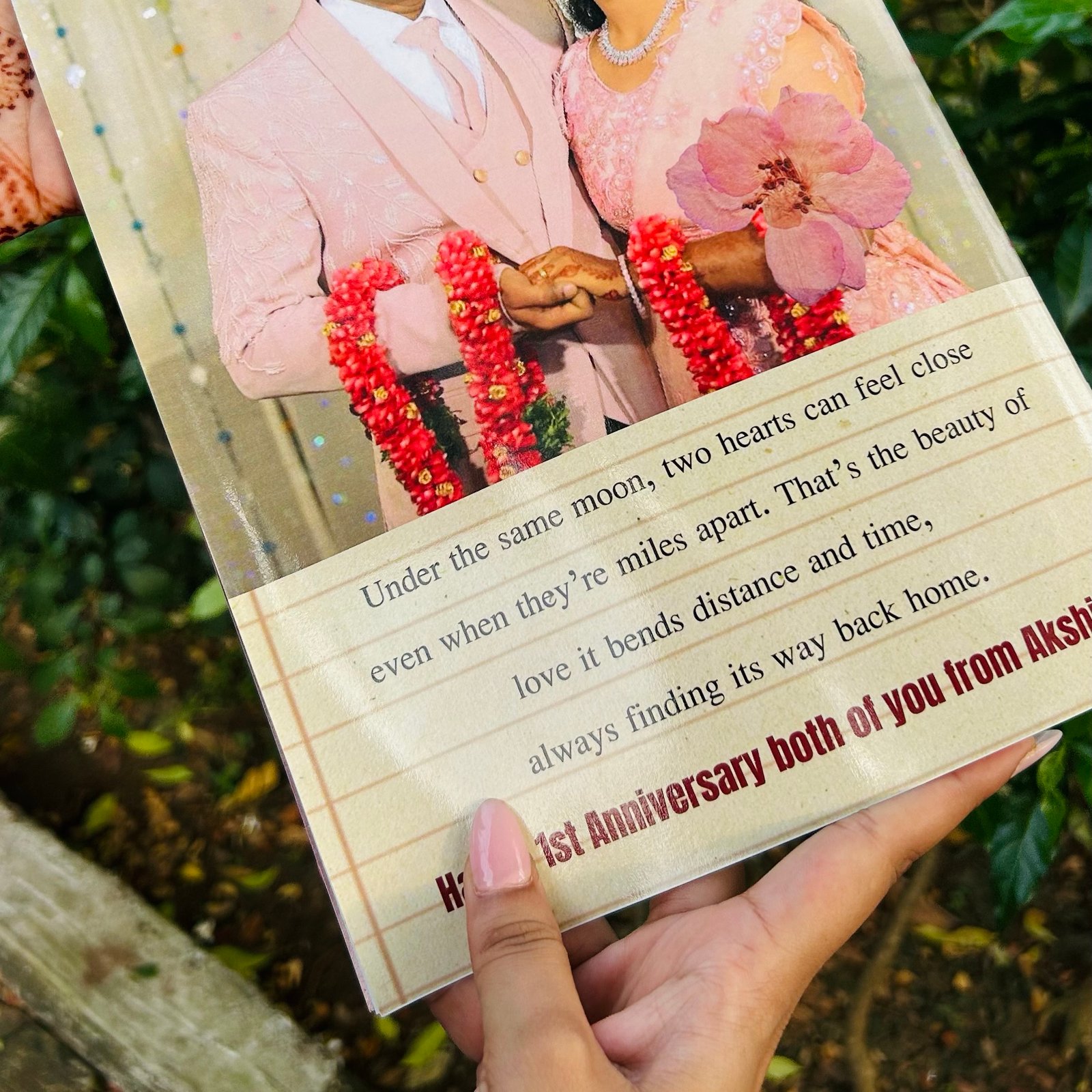
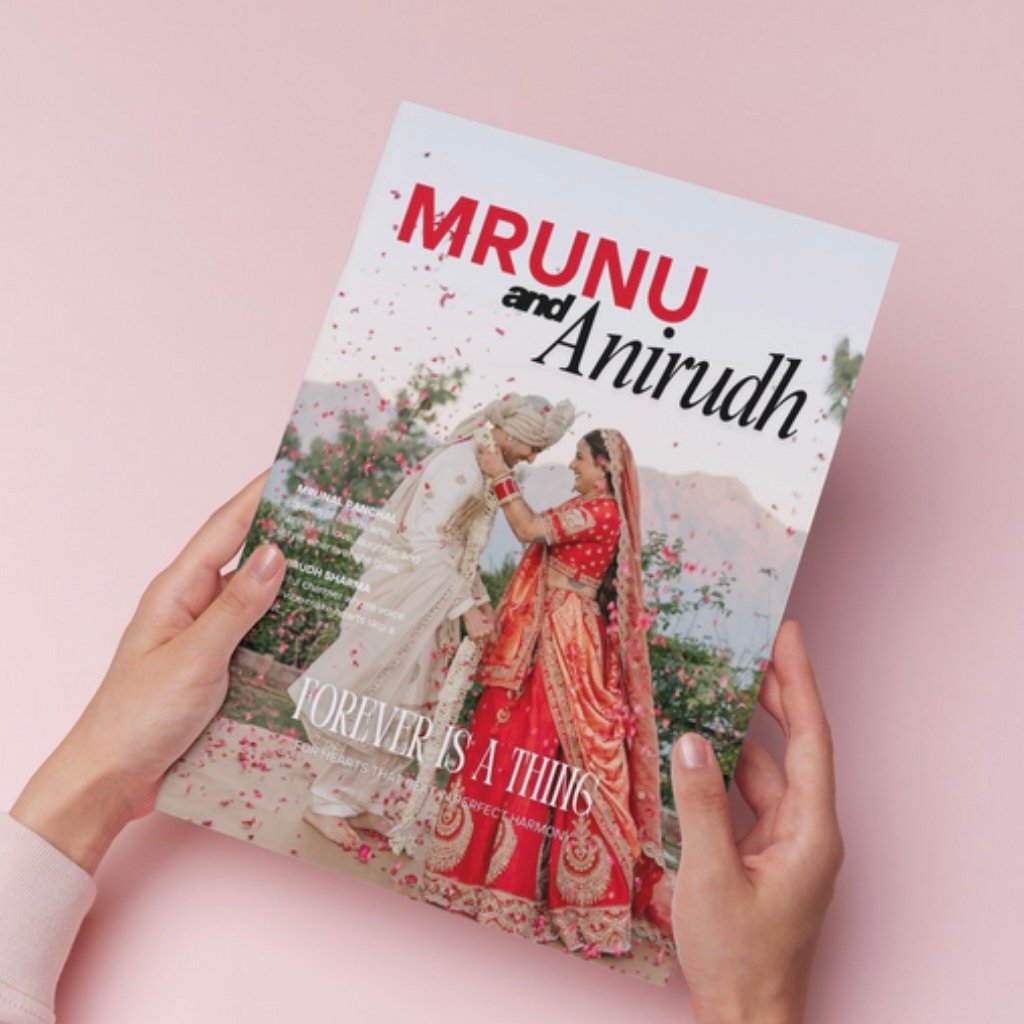
Celebrate your relationship with the Forever Us Personalised Photo Magazine, a custom photo gift that turns your most special memories into a stunning, magazine-style keepsake. Each page is thoughtfully designed to highlight your love story, just like a real magazine cover feature, but starring you and your partner.
Perfect as a personalized anniversary gift, wedding keepsake, or romantic birthday present, this one-of-a-kind custom couple magazine blends creativity, elegance, and emotion in every detail.
🎁Why You’ll Love It:
100% custom-designed photo magazine featuring your pictures and story
Premium printing and professional layouts
A timeless keepsake for couples, engagements, and anniversaries
Ideal as a personalized gift for him or her
Made up of – 12 pages
Free Shipping PAN India
Matte Finished
Your love deserves to be showcased like never before. Create your Forever Us Personalized Photo Magazine today, a lasting reminder of your moments, milestones, and memories. ❤️


Reviews
There are no reviews yet.